
IntelliMix™ Room Kits
全套套装
SKU: IMXRK30-A


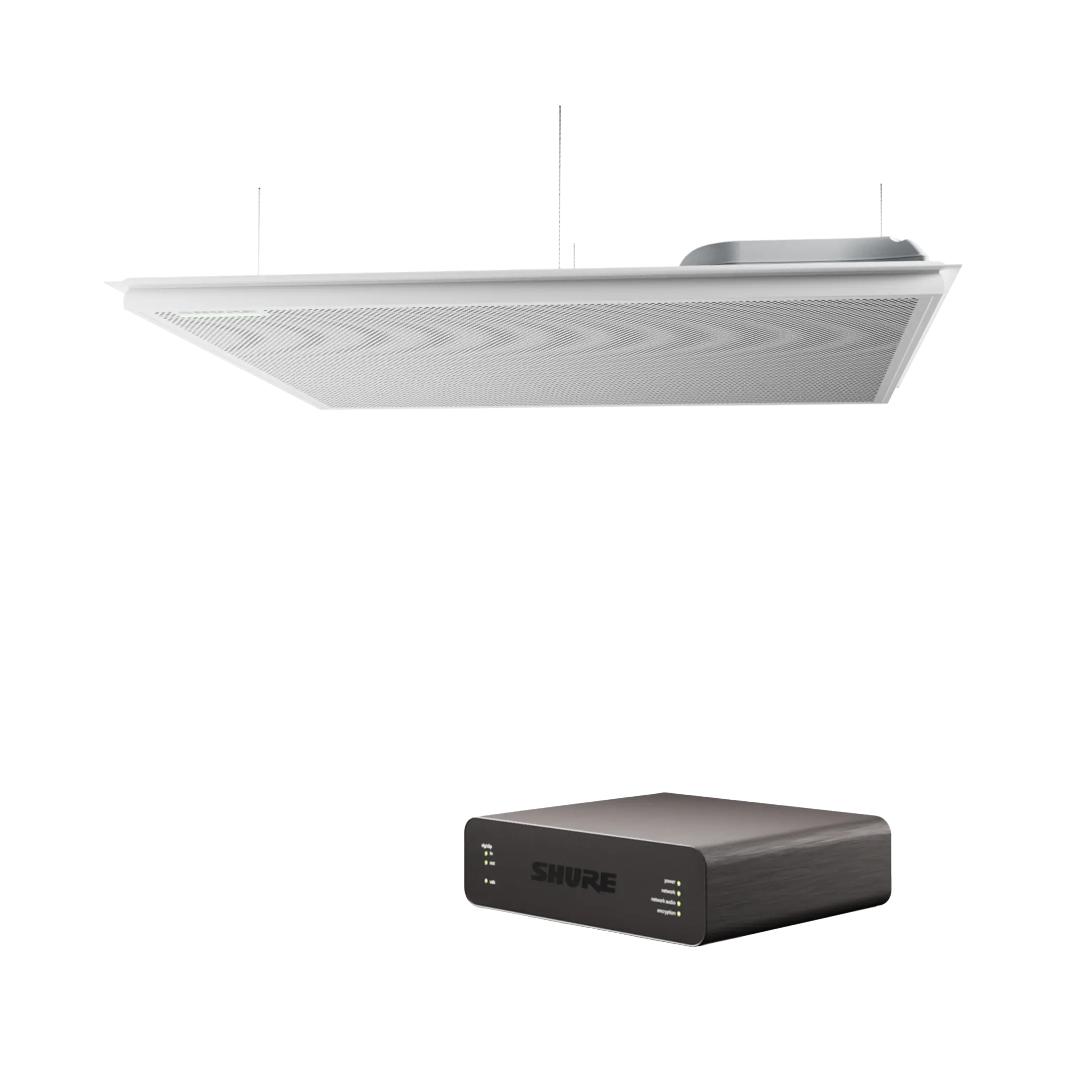
使用简单、安全的 Microsoft Teams Rooms 会议套装来增强协作。通过零接触配置,您可以轻松地在小型、中型和大型会议和协作空间(最大面积为 33 x 18 英尺(10 x 5.5...
改变您的会议体验
出色的音质
在复杂的声学环境中也能获得清晰通透的声音。
简单的设置
在指南帮助下,几分钟即可完成安装和配置。
奖项

房间系统设置

小型房间
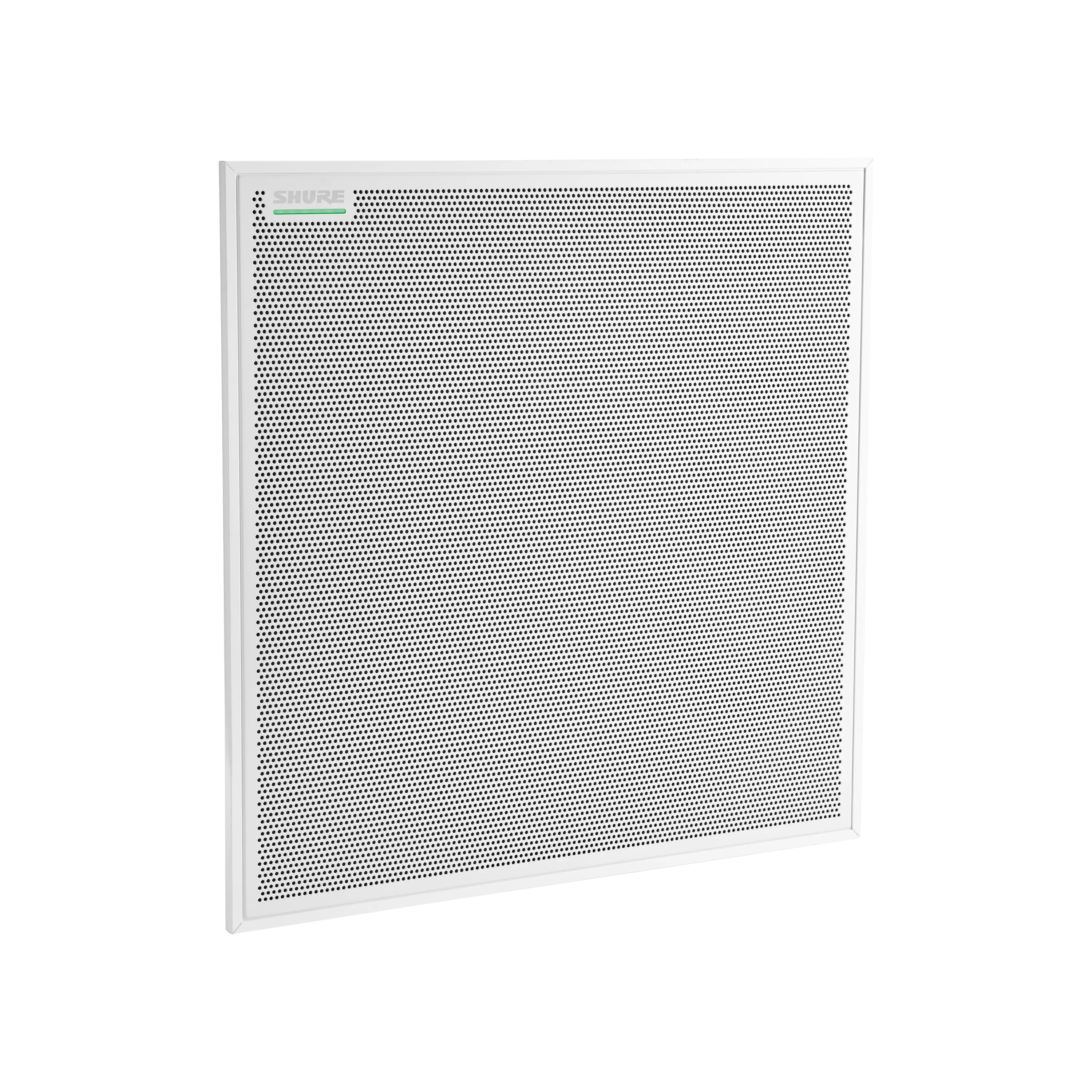
1MXA902 天花阵列拾扩音一体机
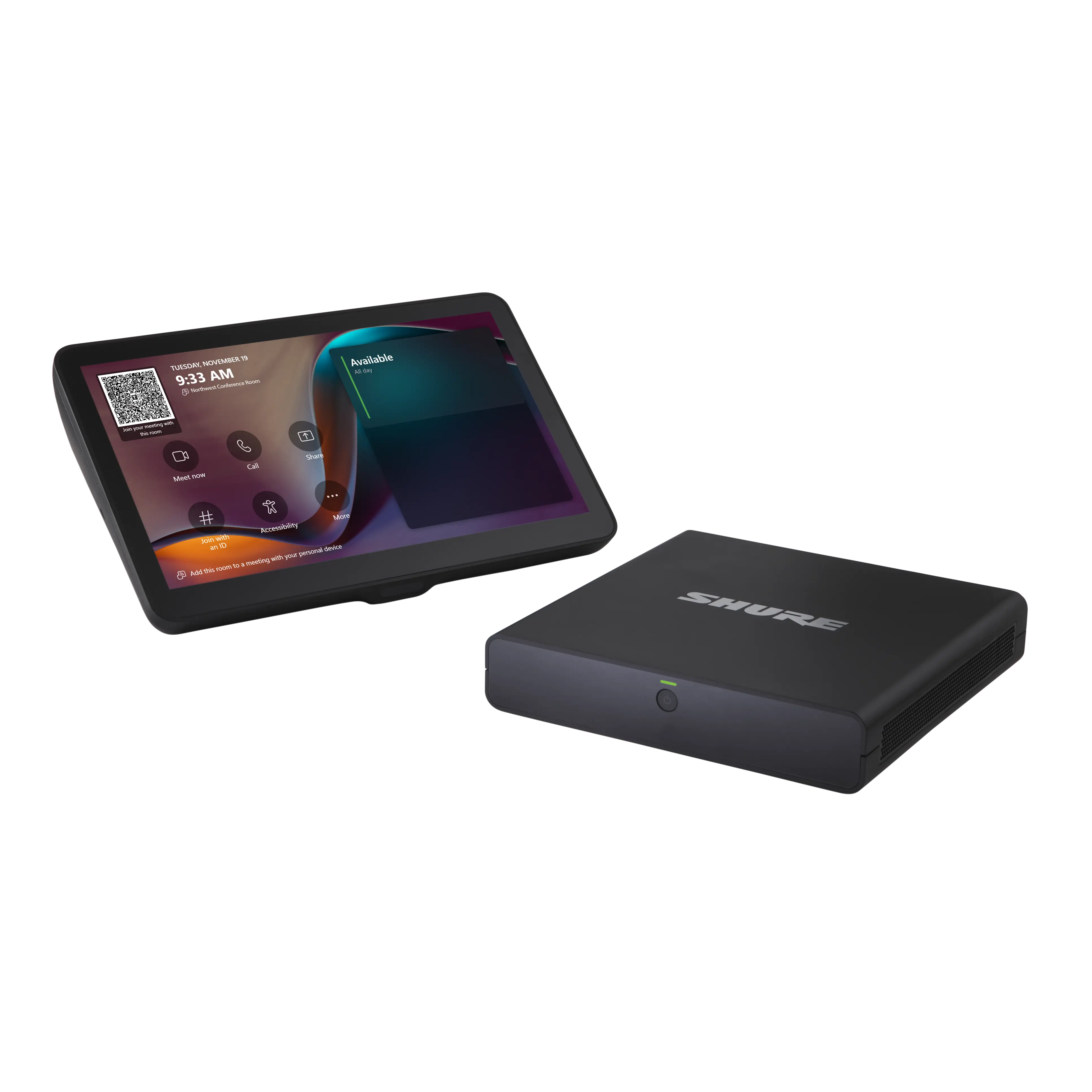
2IntelliMix 标准计算机
3IntelliMix 触控面板
4Huddly IQ USB摄像头
5PoE+交换机
6企业级网络架构
连接方式
-CAT5/6
-HDMI
-USB
* 使用随附的 USB 转网络适配器

中型房间
1MXA902 天花阵列拾扩音一体机
2IntelliMix 标准计算机
3IntelliMix 触控面板
4Hudkly L1 摄像头
5交换机PoE+
6企业级网络架构
连接方式
-CAT5/6
-HDMI
* 使用随附的 USB 转以太网适配器

大型房间
1MXA902 天花板矩阵话筒和扬声器一体机
2IntelliMix 系统主机
3IntelliMix 触控面板
4Huddly L1摄像头
5PoE+ 交换机
6企业网络
连接方式
-CAT5/6
-HDMI
* 使用附件中的 USB 转以太网适配器

大型房间多摄像机
1MXA902 天花板阵列话筒和扬声器一体机
2IntelliMix 电脑主机
3IntelliMix 触控面板
4Huddly 多摄像机系统
5PoE+交换机
6企业级网络
连接方式
-CAT5/6
-HDMI
* 使用附件中的 USB 转网络适配器
舒尔产品优势
Everything You Need
- The kits include all the components needed for a Microsoft Teams Rooms or Zoom Room - audio, video, compute, and touch panel - in simplified, ready-to-deploy packages that reduce complexity, eliminate compatibility headaches, and ensure seamless interoperability.
Just Connect Cables
- The compute includes embedded audio DSP and video software auto-configures connected devices upon initial bootup, shortening setup time and streamlining deployment.
Sign In and Start Your Meeting
- Simply use the touch panel to enter your Teams Room credentials or use Windows Autopilot with Autologin for Teams Rooms. You're all set and ready to enjoy a feature-rich, native Teams Room experience.

相关产品


Innovation in Action: Unified Communications’ Envisioning Room Transforms Collaboration with Shure IntelliMix™ Room Kit 80
The IntelliMix Room Kit 80 redefines meeting room efficiency for large, flexible spaces that need to be easily reconfigurable. With seamless installation and intuitive management, IMXRK80 enables IT teams to deploy high-performance collaboration environments—without the usual complexity.
How Shure's AV Solutions Can Transform Your IT Business
In the current business landscape, AV conferencing technology must swiftly evolve to address the diverse and constantly shifting needs of various sectors. The need for seamless communication and collaboration has never been higher, urging IT providers to continually seek and implement innovative solutions.


